Updated · By Copresent
Copresent vs. Remote for Slides
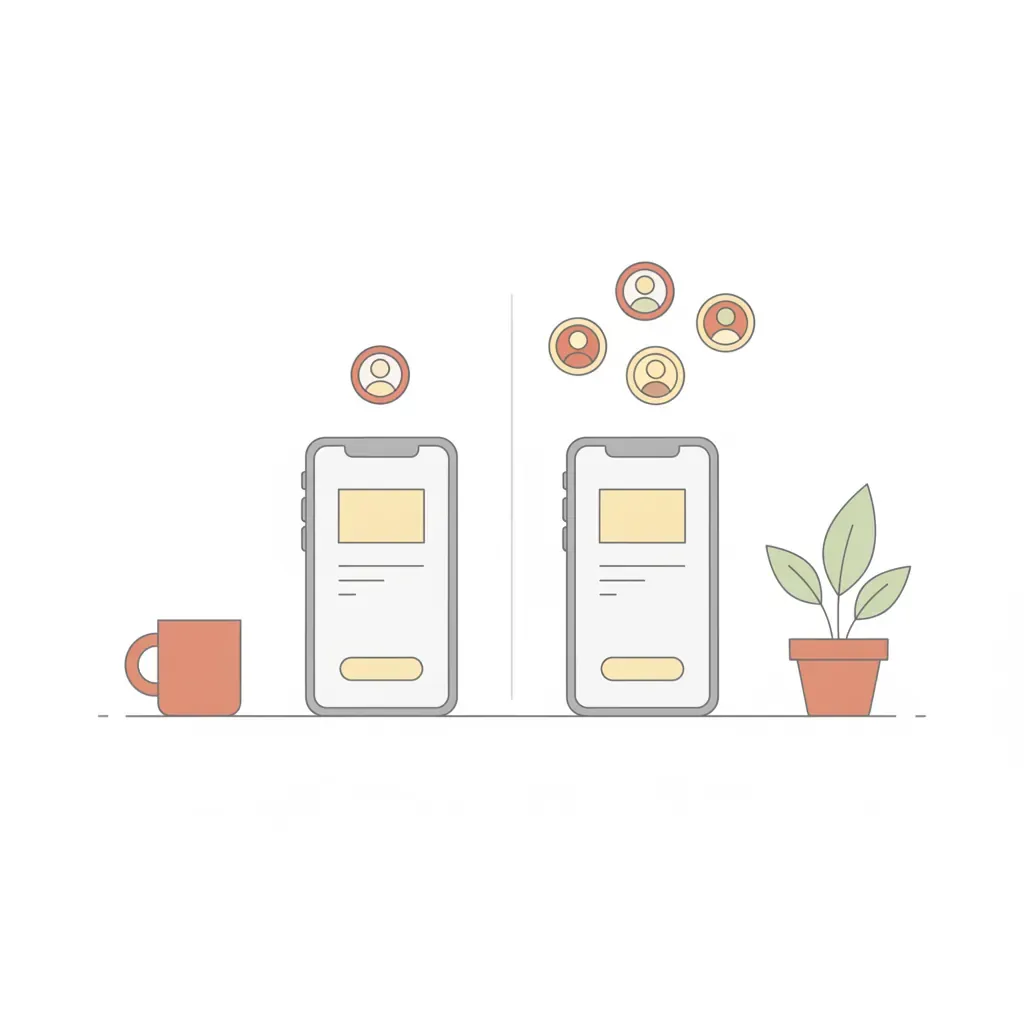
Both turn your phone into a Google Slides remote. Only one of them supports a second presenter. Here’s the honest breakdown.
TL;DR — Solo presenter, refined UX: Remote for Slides. Two or more presenters on one deck: Copresent — it has built-in multi-presenter control, which most phone-remote tools don’t offer at all.
Where the two tools differ
| Copresent | Remote for Slides | |
|---|---|---|
| Co-presenter support (multiple controllers) | Up to 10 | Single controller only |
| Speaker notes on the remote | Yes — synced live | Yes |
| Slide thumbnail on the remote | Yes | Yes |
| Hand off control mid-presentation | Yes — one tap | No |
| Account required | No | No |
| Phone install required | No — open a link | Optional Android app |
| Works in any browser on phone | Yes | Yes |
| Works inside Zoom / Meet / Teams | Yes | Yes |
| Cost | Free | Free |
| Best for | Teams, panels, co-founders, classes | Solo presenters |
Choose Copresent when you’re not the only one presenting
Teams that present together
Up to 10 co-presenters can control the same deck through one magic link. Remote for Slides was built for solo presenters and pairs one phone to one laptop.
Mid-talk handoffs
Tap to take control on Copresent. No prompts, no “can you re-share your screen?” awkwardness. Remote for Slides has no handoff workflow at all.
Co-presenters who don’t want to install anything
Copresent co-presenters only need a browser. Remote for Slides offers an optional Android app — fine for solo use, friction for teammates.
Choose Remote for Slides when you always present alone
Refined solo-presenter UX
Remote for Slides has been around since 2019 and has the smoothest single-presenter mobile UX in this category. If you’re presenting alone, it’s a fine choice.
Dedicated mobile app
If you want a native Android app icon on your home screen, Remote for Slides provides one. Copresent is browser-only by design — fewer permissions, nothing to update.
Remote for Slides is a well-built independent project by Henry Lim. We’re not affiliated with it.
Frequently asked questions
Is Copresent a fork of Remote for Slides?
No. Copresent is a separate product built around a different problem: multiple presenters controlling the same deck. Remote for Slides is a single-presenter tool from Henry Lim, and a great one for that use case.
Which one is better known?
Remote for Slides is the older and more established of the two, and for solo presenting it’s the more familiar name. Copresent’s edge is the workflow, not the reputation. If you only ever present alone, Remote for Slides works well. If a second speaker ever joins, Copresent handles it natively and Remote for Slides doesn’t.
Can I use both?
Yes. They’re independent Chrome extensions. Install both, use whichever fits the moment — Remote for Slides for solo decks, Copresent when you’re tag-teaming.
Why is co-presenter support such a big deal?
Because every other workflow for multi-presenter decks involves stopping screen-share, having someone else share, and restarting the flow. That kills momentum on every handoff. Copresent makes the handoff invisible to the audience — just a tap on the next speaker’s device.
Is Copresent really free?
Yes, free forever. No account, no trial, no per-seat pricing. Same as Remote for Slides on that dimension.
Related guides
- Want the phone-remote setup? How to Control Google Slides from Your Phone
- Presenting with someone else? How to Add a Co-Presenter in Google Slides
- Looking for the product page? Slides remote — turn your phone into a clicker
- Co-presenting remotely? Remote co-presenter setup with Copresent