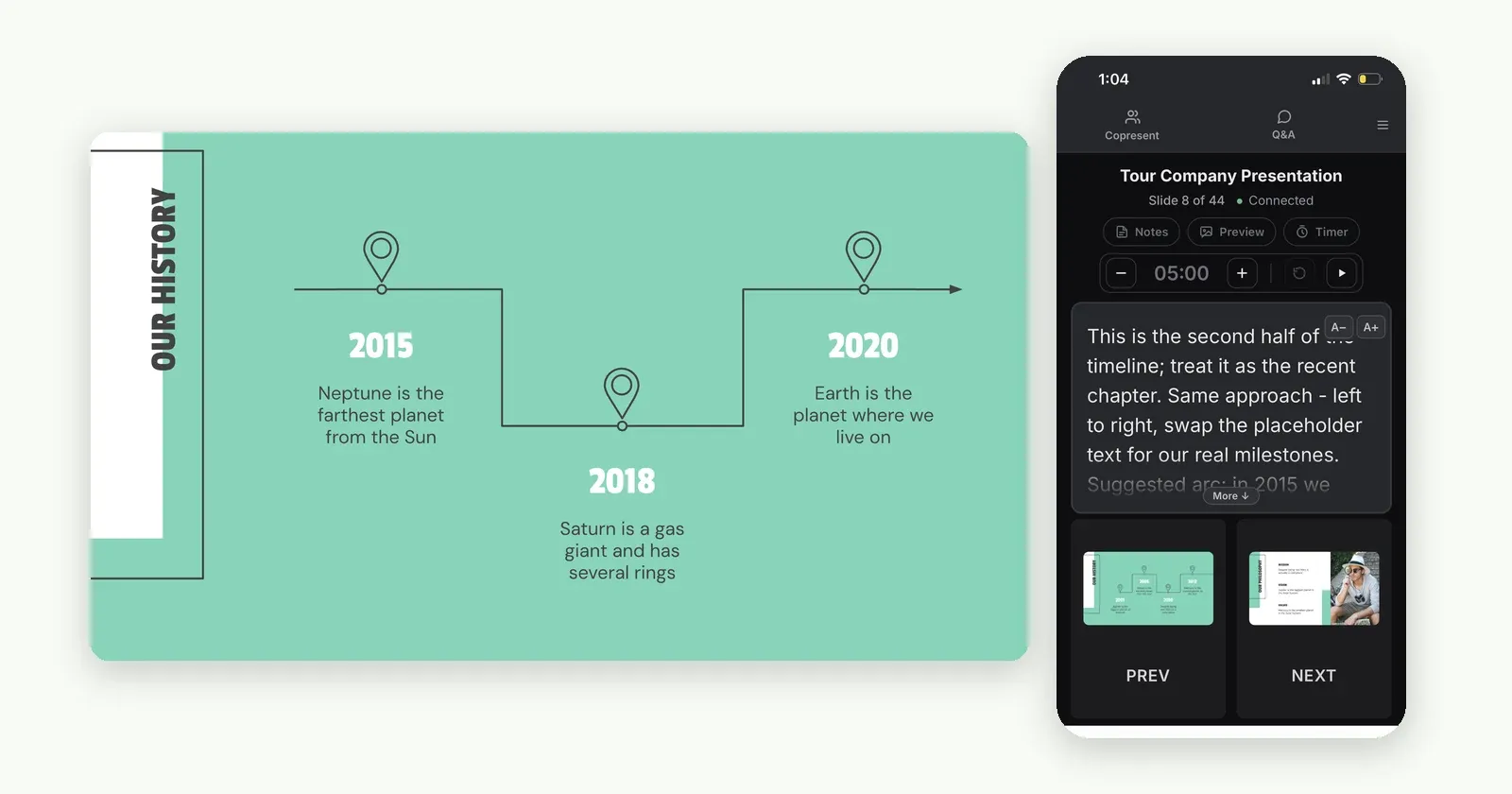
How to Control Google Slides from Your Phone
Turn your phone into a Google Slides remote in two minutes, with no app or hardware. Advance slides, read speaker notes, and share control with co-presenters.
Read articlePractical tips for Google Slides. From your first phone remote to presenting with a team.
Turn your phone into a Google Slides remote in two minutes, with no app or hardware. Advance slides, read speaker notes, and share control with co-presenters.
Read article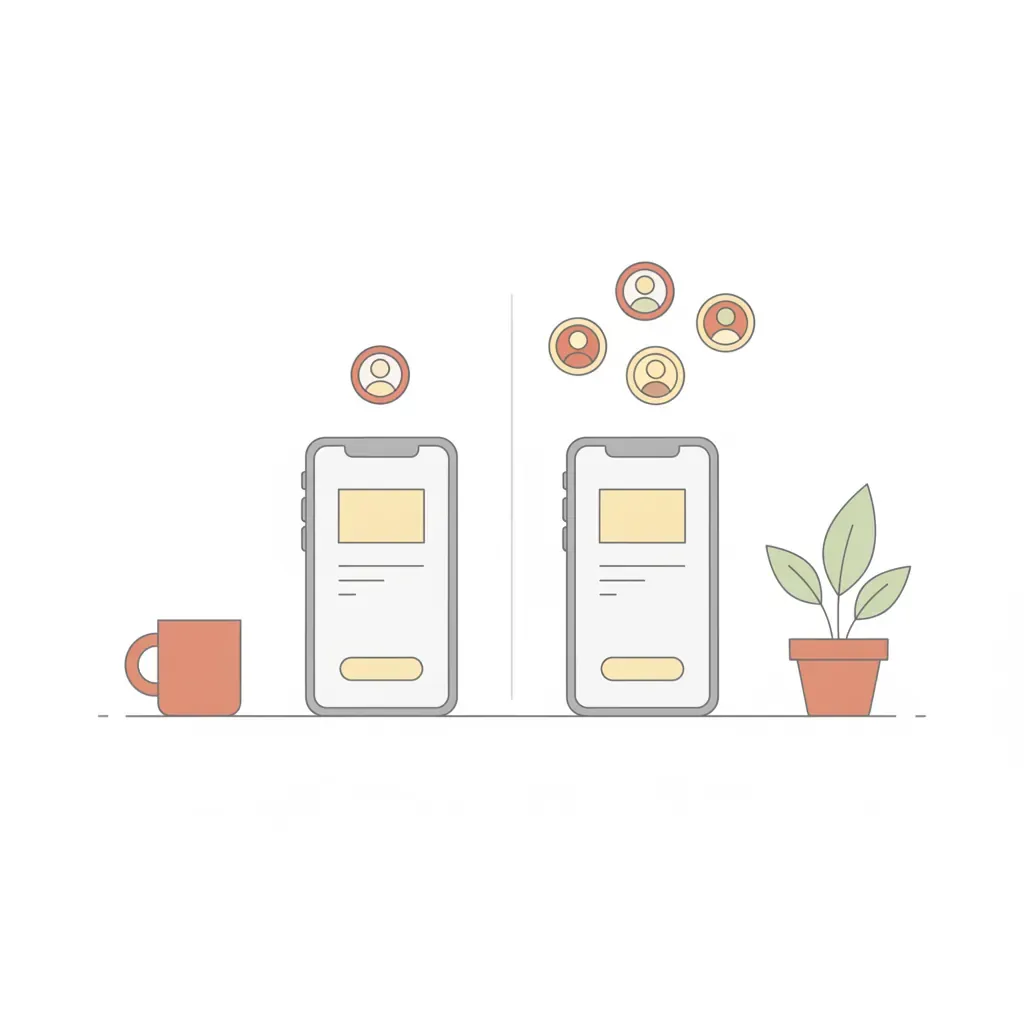
Honest comparison of Copresent and Remote for Slides: co-presenter support, speaker notes, setup time, and which tool fits your workflow best.
Read article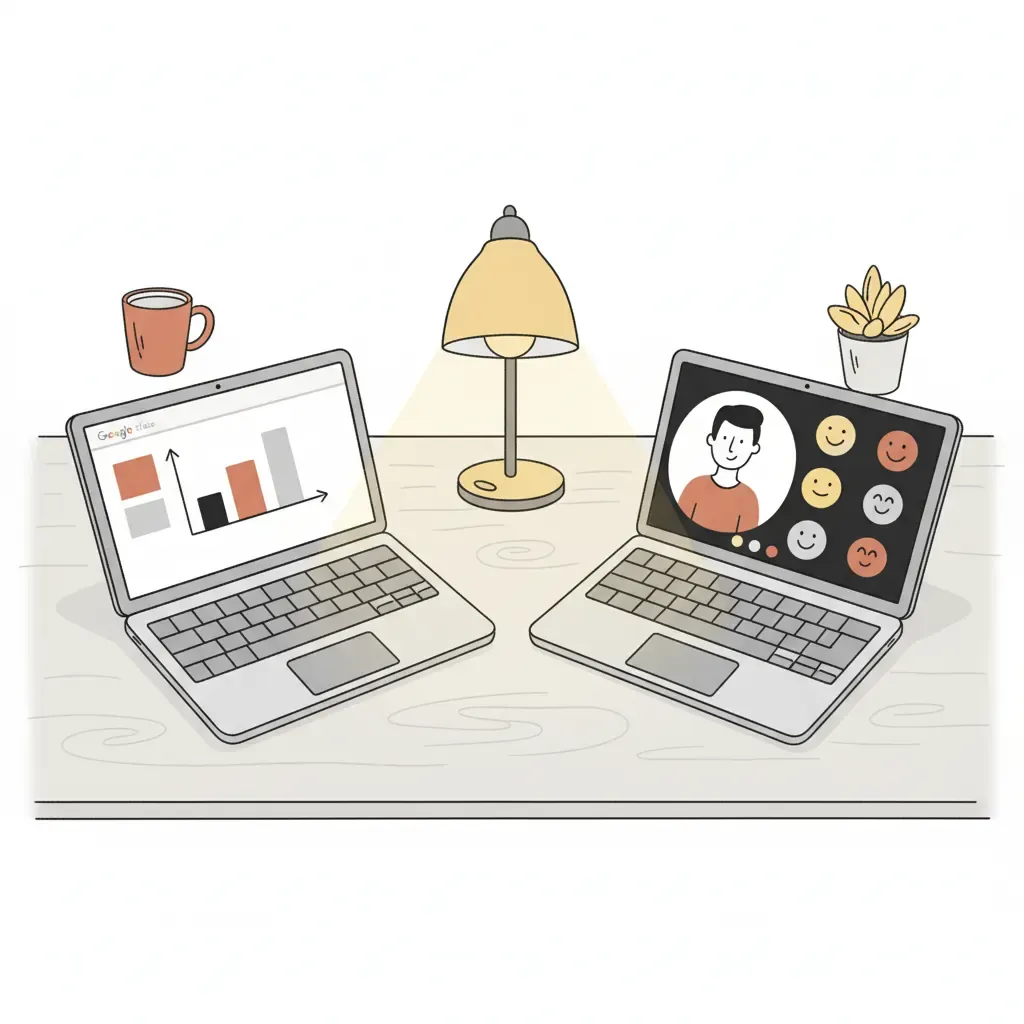
How to add a co-presenter in Google Slides — via Google Meet (paid Workspace) or Copresent, which works in any video call. Step-by-step setup plus a comparison.
Read article
Learn how to co-present in Google Slides: sync speaker notes, share slide control, apply the 5-5-5 rule, and present from your phone.
Read article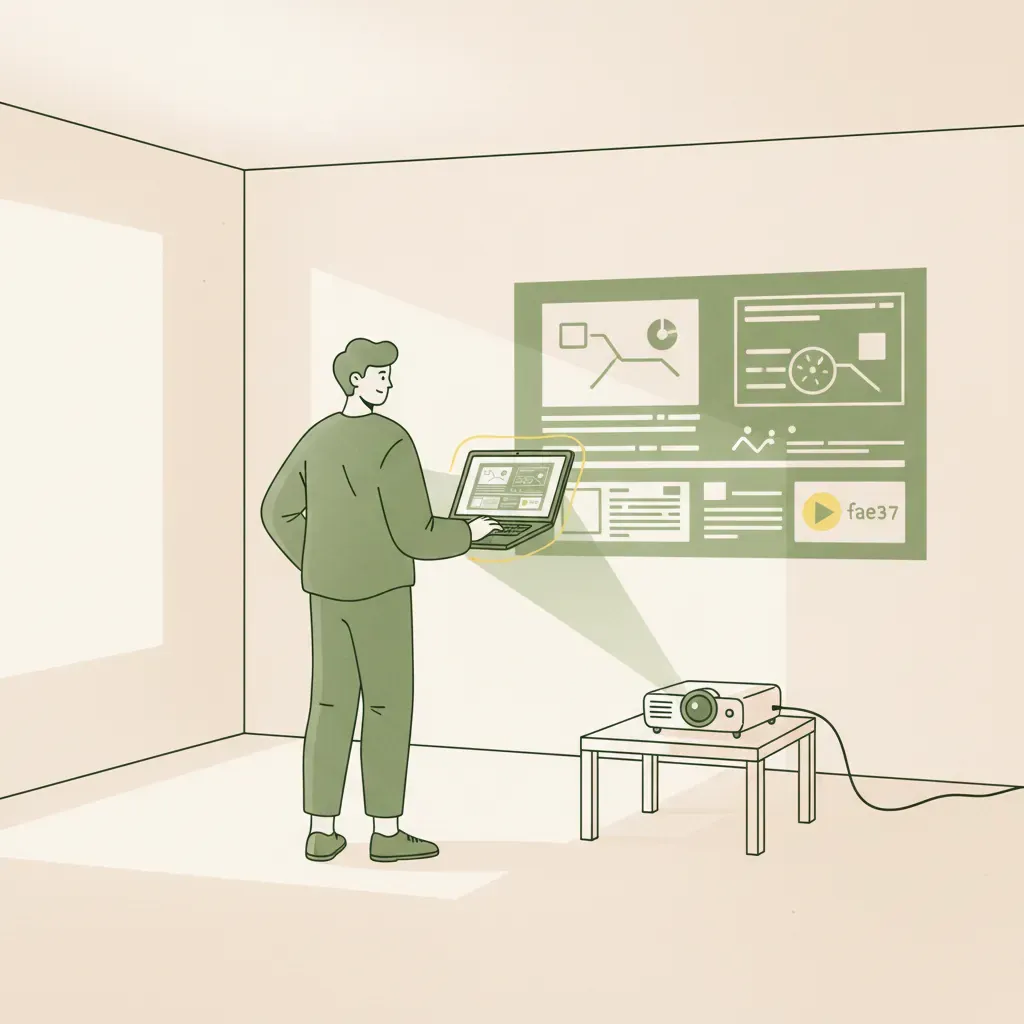
Learn how to open Presenter View in Google Slides, see speaker notes privately, fix common issues, and use your phone as a remote — no second monitor needed.
Read article
Learn how to set up a countdown timer for your presentation using a Mac, web browser, or PowerPoint. Pace your talk properly to finish exactly on time.
Read article