Set up your Google Slides phone remote.
You’ll need your presentation, desktop Chrome, a Google account, and a phone with a browser.
- Step 1
Install Copresent on your computer
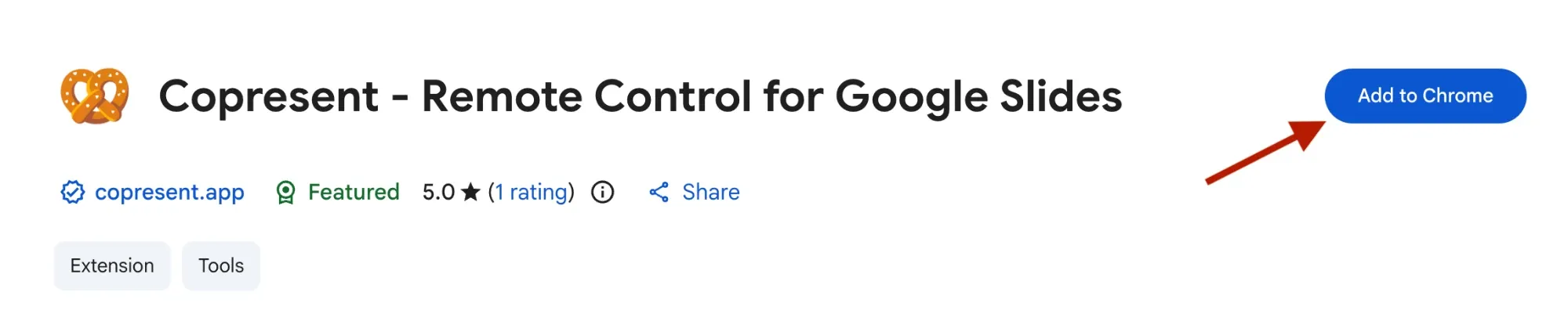
Open desktop Chrome and add Copresent from the Chrome Web Store. Only the host needs the extension.
- Step 2
Open your Google Slides deck
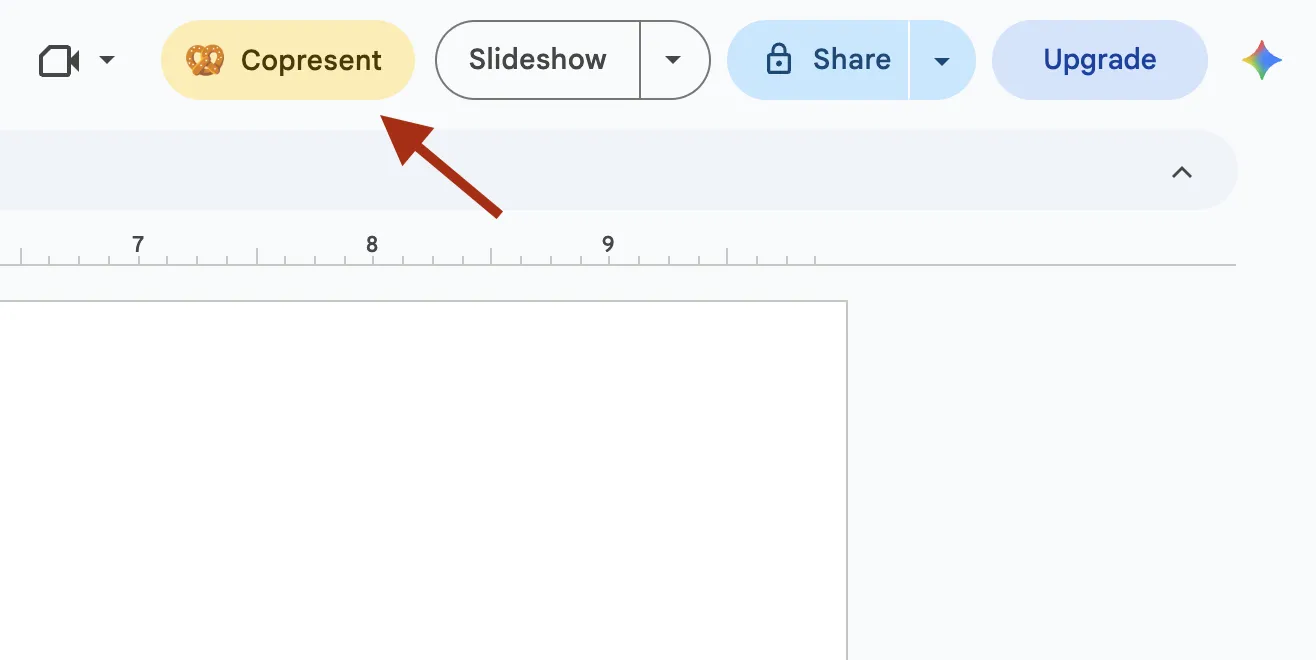
Open the deck you want to present. Click the Copresent button next to Slideshow in the Google Slides toolbar.
- Step 3
Connect your phone and sign in
Scan the controller QR code with your phone, or select Open host controller. Sign in with your Google account on the device you will use to control the presentation. Select your deck when prompted to allow speaker notes and previews.
More about using your phone as a remote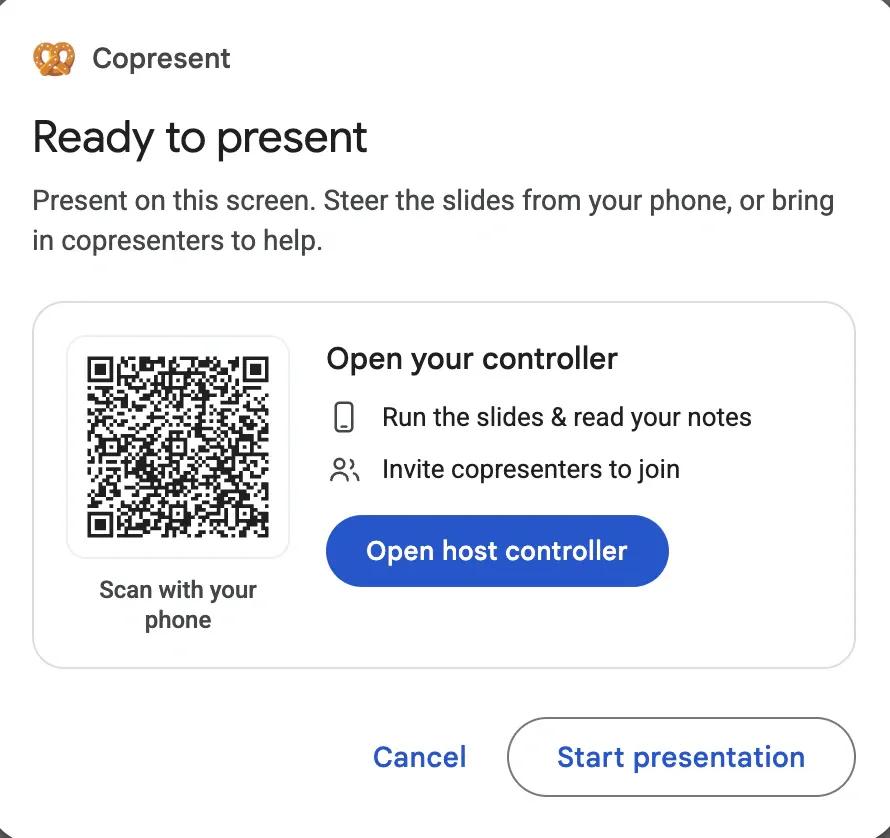
Example setup dialog. Use the QR code in your own presentation. - Step 4
Start your slideshow
Start the presentation on your computer. Use the controls on your phone to go forward or back, read your speaker notes, and check the slide preview.
How to use Presenter View and speaker notes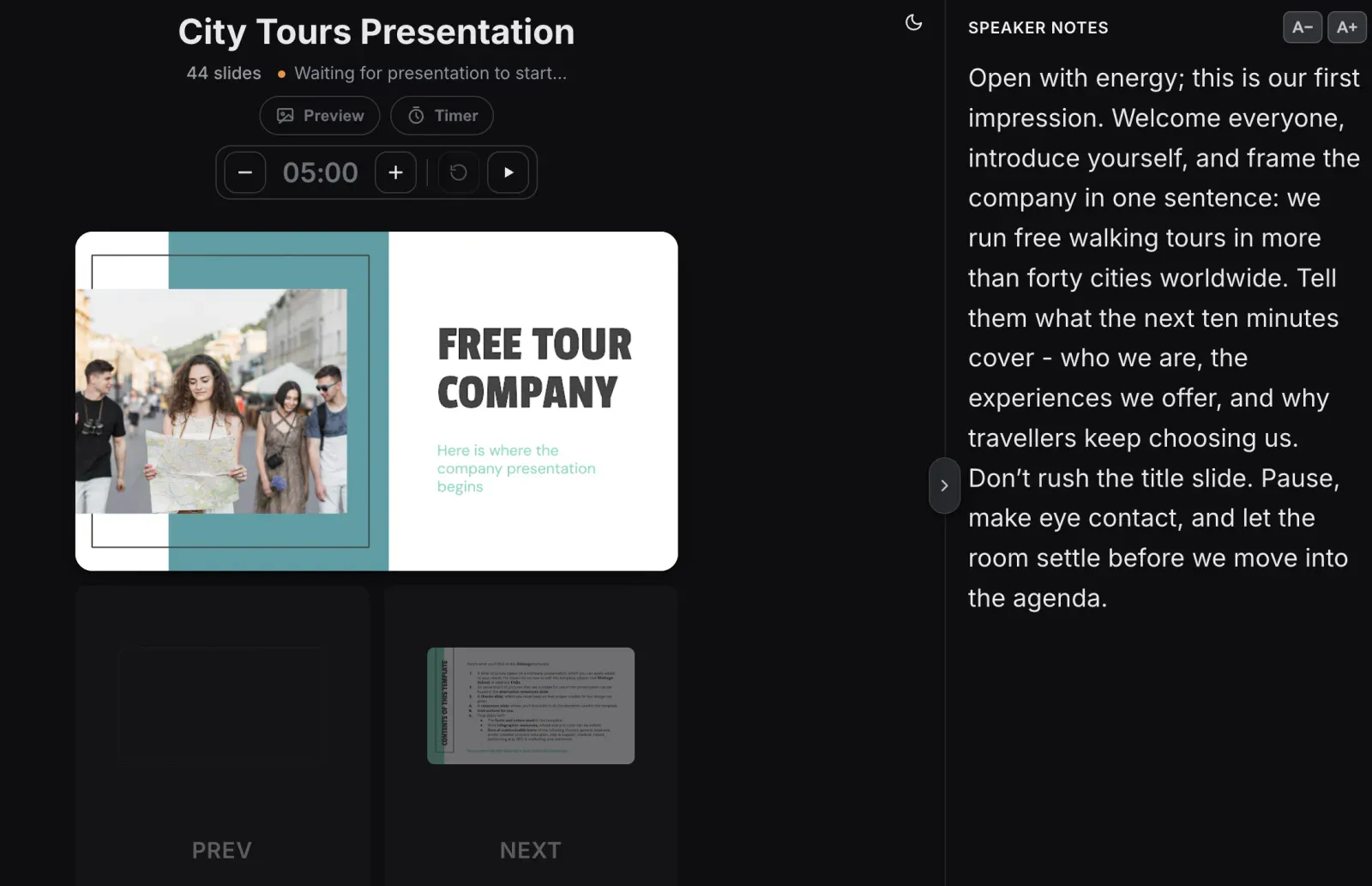
- Step 5
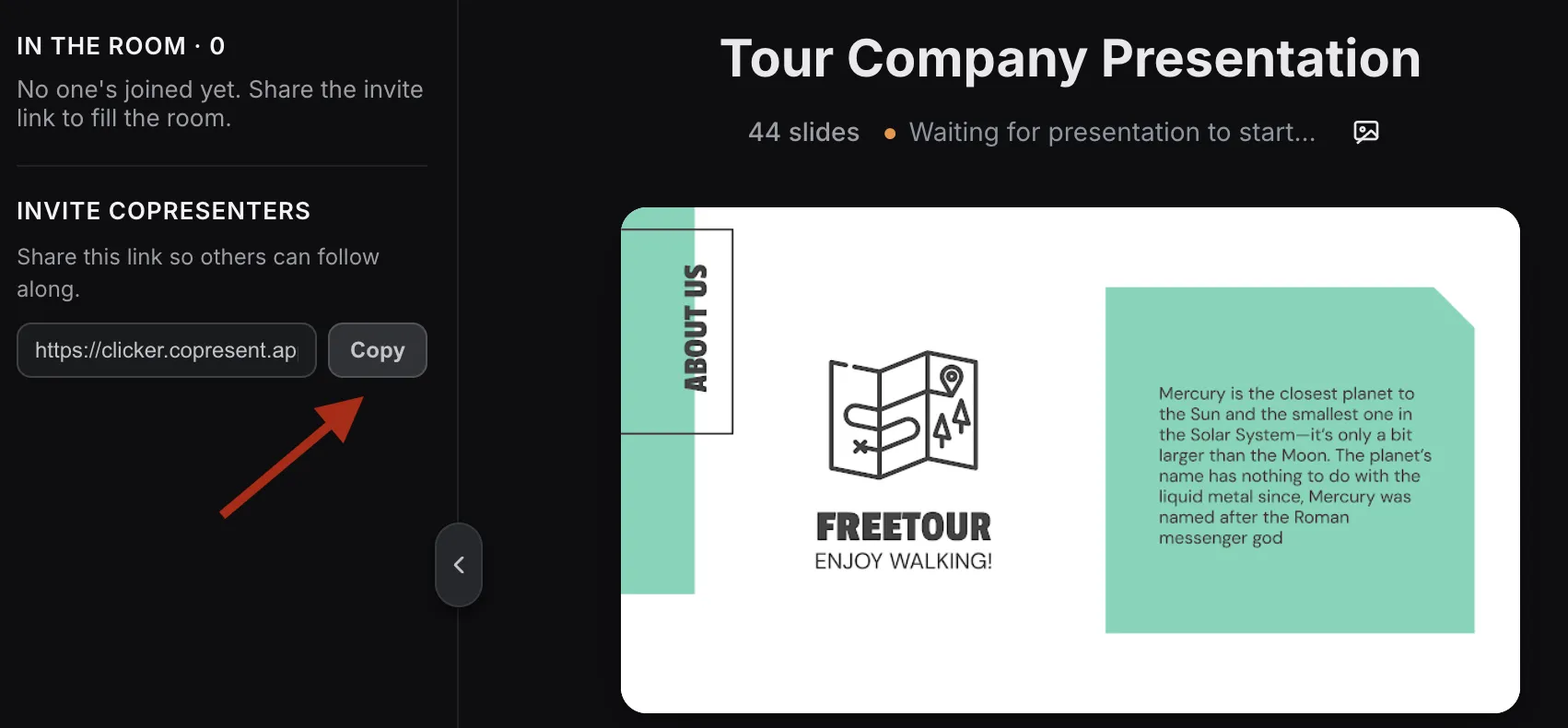
Invite other presenters
When you want to share control, copy the guest invitation link from the host controller. Your teammates open it in their browser. They do not need an account or the extension.
Setup questions
What do I need to get started?
A Google Slides presentation, desktop Chrome, and a Google account. Install Copresent on the presenting computer, open your deck, and sign in to the host controller. Your phone connects in its browser.
Do I need to install an app on my phone?
No. Open the controller link in your phone’s browser. You can also use a tablet or laptop.
Do my teammates need an account?
No. Only the host signs in with Google and installs the Chrome extension. Invited co-presenters open a link to join.
Does it work with Zoom, Google Meet, and Teams?
Yes. Share your Google Slides window in your usual video call, then use Copresent to control the deck. Your teammates can control the same slides without changing who shares their screen.
Does it work with PowerPoint or Keynote?
Copresent currently works with Google Slides only.
Use your phone to
control Google Slides.
Change slides, read your notes, and take audience questions.