Choose Slido when
You want polls, quizzes or word clouds, you also present in PowerPoint, or you run large events with a team moderating questions.
Copresent lets your audience ask questions from their phones while you present Google Slides. Show a QR code on your slides, then read and answer the questions on your phone, where you also change slides and read your notes.
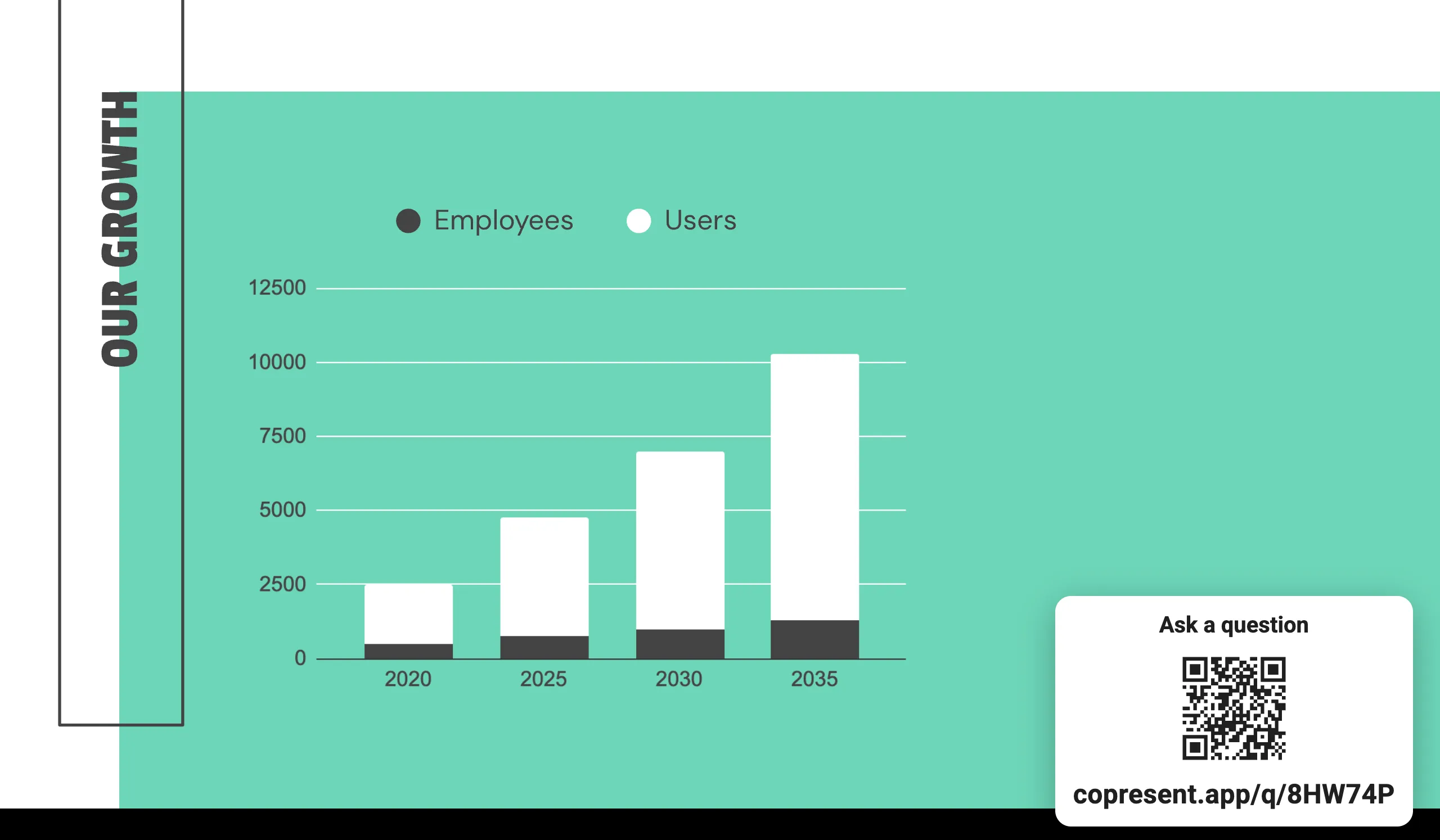
Slido is an audience interaction tool with live polls, quizzes, word clouds and Q&A. You install the Slido add-on in Google Slides and add Slido slides to your deck. When you reach one while presenting, it goes live and your audience joins with a code or QR code.
Slido also recommends its Chrome extension, so animations and speaker notes keep working while you present.
Slido does many kinds of audience activity. Copresent does one, audience questions, and puts it next to your slide remote.
| Copresent | Slido | |
|---|---|---|
| Audience asks questions and votes on them | Yes | Yes |
| Audience joins without an app or account | Yes, by QR code or link | Yes, by code or QR code |
| Live polls, quizzes and word clouds | No | Yes |
| Changes to your deck | None. The QR code shows over your slides when you choose | Adds Slido slides to your deck |
| Change slides and read speaker notes from your phone | Yes, in the same controller | No |
| Co-presenters change slides from their own devices | Yes | No |
| Works with PowerPoint | No, Google Slides only | Yes |
You want polls, quizzes or word clouds, you also present in PowerPoint, or you run large events with a team moderating questions.
You present Google Slides and want questions without building extra slides. Each question shows the slide it was asked on, next to your notes and slide controls.
Copresent lets each co-presenter change the slides from their own phone or laptop. Slido doesn’t control slides.
Add Copresent from the Chrome Web Store on the computer that runs your presentation. Only the host needs it.
Click the Copresent button next to Slideshow, scan the QR code with your phone and sign in with Google.
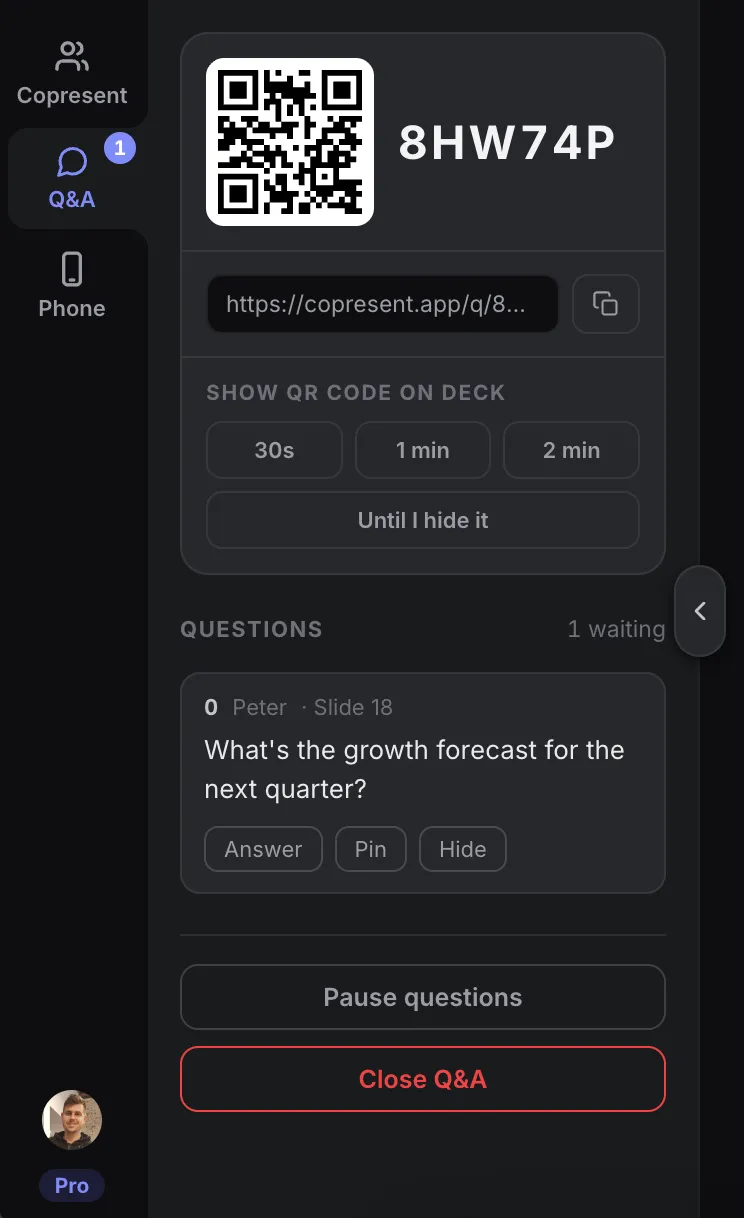
Open the Q&A tab in your controller and tap Start Q&A. Then tap a time under Show QR code on deck.
People scan the code and ask from their phones. Questions arrive on your phone, next to your slide controls.
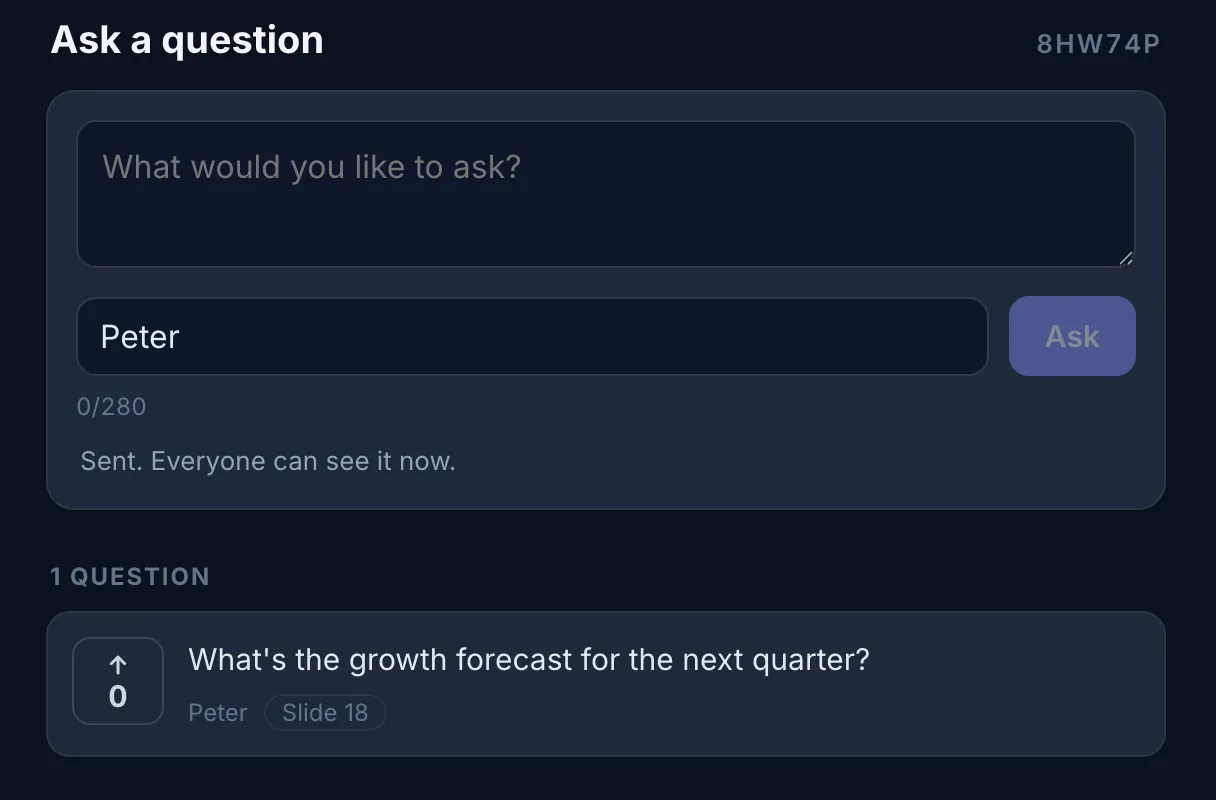
Only if you mainly need audience questions. Copresent has Q&A with voting, but no polls, quizzes or word clouds. If you run those, keep using Slido.
No. People scan the QR code or open the link in their phone’s browser. They can add their name or ask anonymously.
No. Copresent shows the QR code over your presentation for 30 seconds, one minute, two minutes or until you hide it. Your deck stays as it is.
No. The audience page only shows questions. Slide control is a separate invitation that you give to co-presenters.
Yes. Pin a question to keep it in view, hide one you don’t want to show, mark questions answered, and pause new questions while you present.
Both offer polls, quizzes, word clouds and Q&A. Slido adds its activities to your Google Slides deck with an add-on. Mentimeter is mostly used to build interactive slides in its own editor. If you only need questions during a Google Slides talk, Copresent is a lighter option.
No. Copresent works with Google Slides only.
Change slides, read your notes, and take audience questions.